Which board is currently supported?
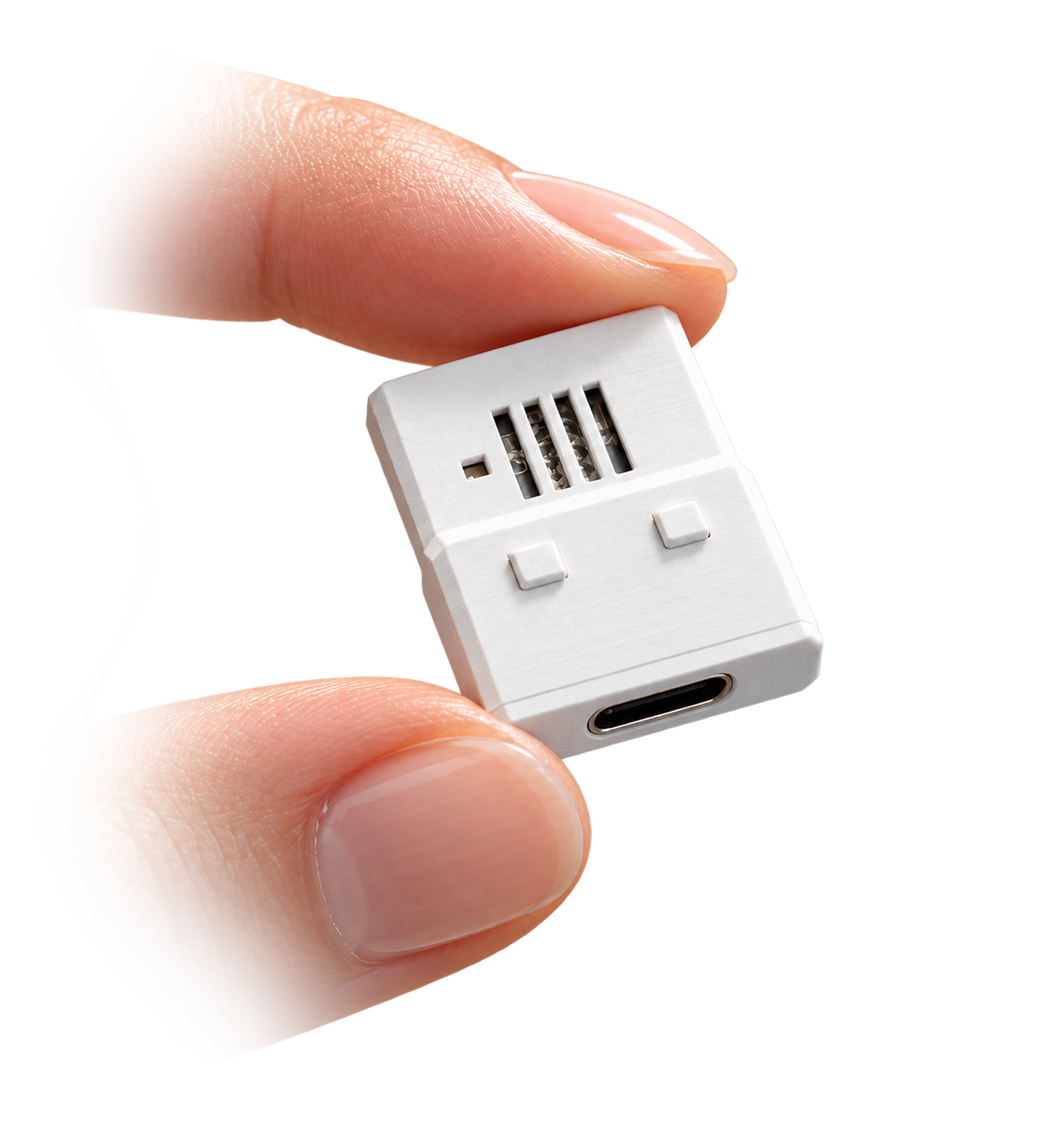
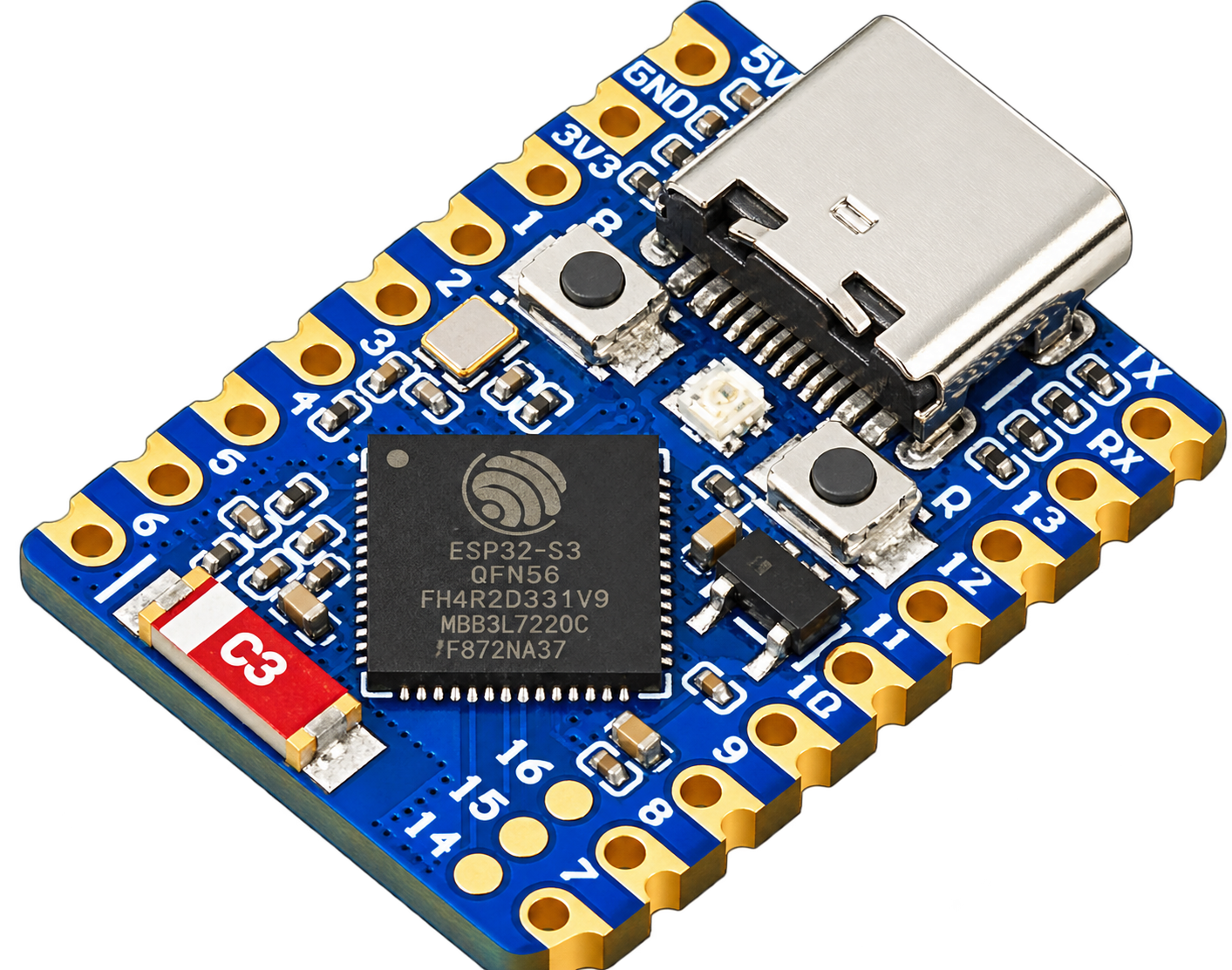
The first firmware target is the ESP32-S3 SuperMini using the ESP32-S3FH4R2 module with 4 MB flash and 2 MB PSRAM. More ESP32-S3 boards are planned.
Why can’t the web flasher find my board?
Use a desktop Chromium-based browser and a USB cable that carries data, not only power. Put the board into download mode by holding BOOT, tapping RST and then releasing BOOT before pressing “Connect and flash.”
Do I need to flash it whenever I pair a phone?
No. Firmware flashing is normally a one-time operation. To pair another phone, hold BOOT for three seconds while the firmware is running, release it when the LED is solid yellow, then connect while it blinks yellow.
How do I remove all paired phones?
Keep holding BOOT until the 10-second mark. The LED flashes red and all device-side bonds are erased. You may also need to forget PocketHID in Android’s Bluetooth settings.
Does it work in BIOS?
The firmware exposes standard boot-protocol keyboard and mouse interfaces specifically for pre-boot compatibility. Wider real-world BIOS and BMC validation is still ongoing, so unusual systems may vary.
Does it support iPhone?
Not currently. The companion app requires Android 8.0 or newer.
Which keyboard layout does Text mode use?
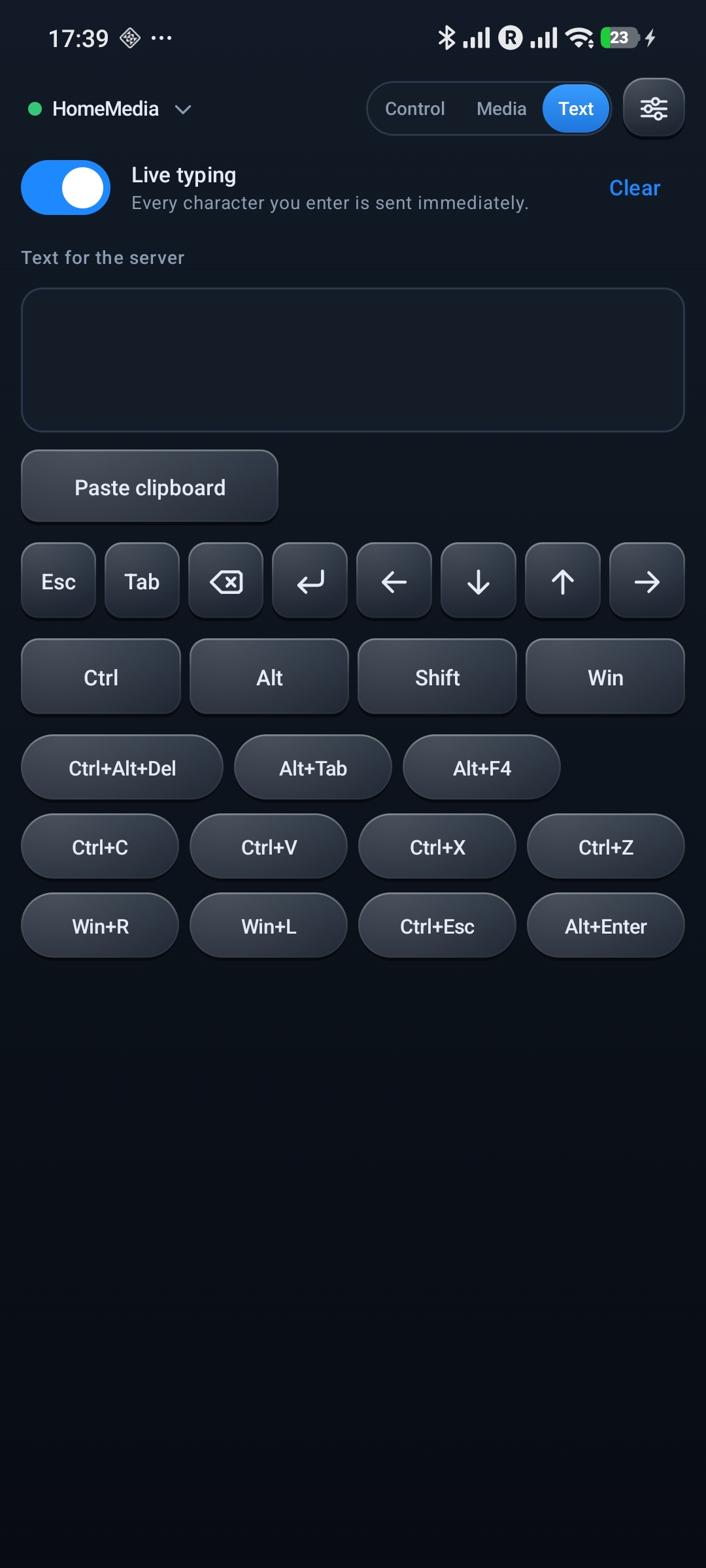
The current text mapper assumes a US keyboard layout on the USB host. Control mode’s special and navigation keys do not depend on text layout in the same way.
Is my input sent over the internet?
No. The Android app does not request Internet access. Input is sent directly to your bonded PocketHID board over encrypted Bluetooth Low Energy.